Doormat Mockup 14: Showcasing Designs with Style
Creating eye-catching visuals is essential whether you're a new designer or managing a full creative business. Doormat Mockup 14 offers a simple yet powerful way to turn your artwork into polished presentations. This digital tool helps you display your designs on a realistic doormat background, giving your work a professional and appealing finish without the need for complex setups or expensive photography.
What Is Doormat Mockup 14?
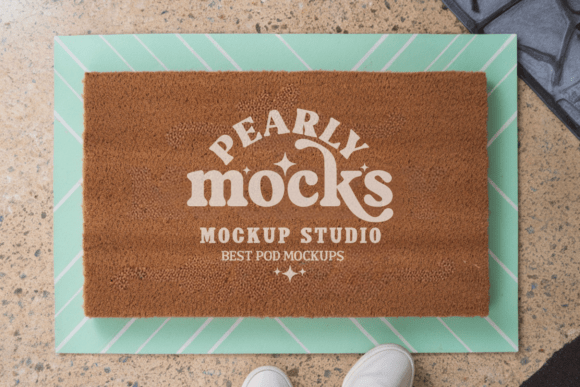
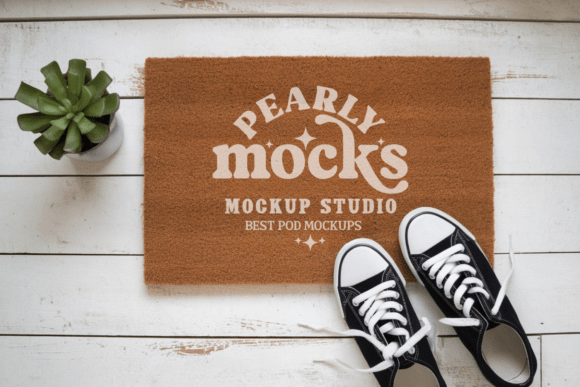
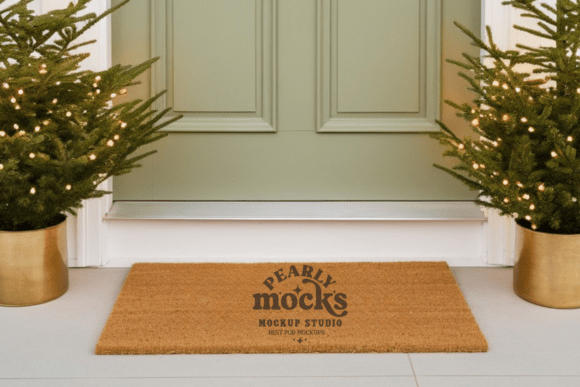
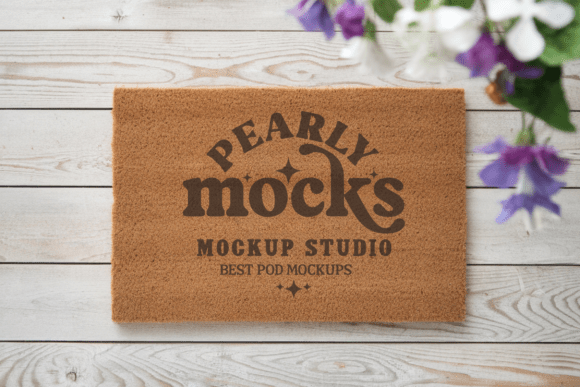
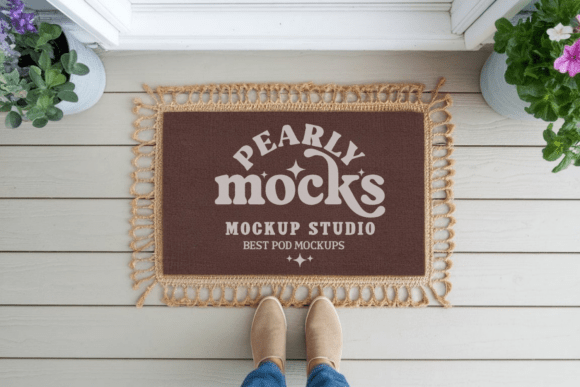
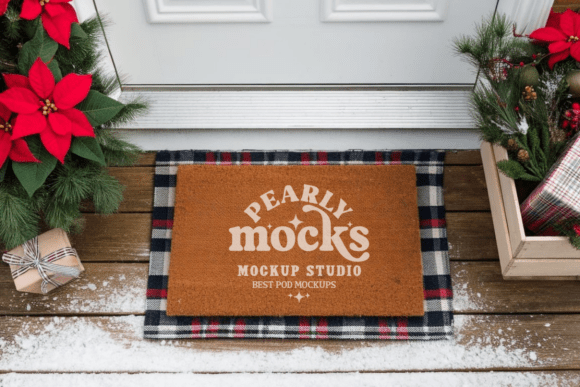
Doormat Mockup 14 is a high-quality JPG file that lets you showcase your artwork on a photorealistic doormat image. It's designed to work seamlessly with tools like Canva and Photoshop, making it easy to insert your designs and generate visuals that look authentic and well-styled. Each file is 300 DPI, ensuring crisp and clear results whether you're sharing online or printing promotional materials.
Why Use a Doormat Mockup?
Visual presentation matters, especially when selling or promoting products. A clean, well-lit mockup helps your audience imagine how your design will look in real life. Doormat Mockup 14 is particularly useful for those creating custom doormat art, seasonal greetings, or branding elements. It provides a consistent, attractive backdrop that highlights your creativity and attention to detail.
Who Benefits from This Mockup?
- Beginner designers who want to present their work professionally without hiring a photographer.
- Small business owners selling personalized doormats online and needing quality visuals for listings.
- Bloggers and marketers who want to create engaging content with realistic product visuals.
- Educators and freelancers creating samples or portfolios to show clients or students.
How to Use Doormat Mockup 14
Getting started is simple. Once downloaded and unzipped, open the file in your preferred design software. From there, you can drag your artwork into place, adjust the size and positioning, and save your final image. No special plugins or advanced skills are needed—just a clear design file and a few minutes to set it up.
Best Use Cases
- E-commerce product listings – Make your doormat designs stand out on marketplaces like Etsy or Shopify.
- Social media posts – Share clean, lifestyle-oriented images that attract attention and engagement.
- Client presentations – Show your ideas in context before production begins.
- Print and digital portfolios – Display your work in a way that feels authentic and professional.
Design Tips for Best Results
While Doormat Mockup 14 is user-friendly, a few small adjustments can make a big difference. Since colors may appear slightly different depending on screen brightness or lighting, it’s a good idea to preview your final image on multiple devices. Also, this mockup works best with natural light themes or minimalist design styles, so consider how your artwork complements the background.
Getting the Most from Your Mockup
- Match your color scheme – Choose artwork that blends well with the mockup’s natural tones.
- Use high-resolution artwork – Since the mockup is 300 DPI, your design should be too for best results.
- Keep it clean and focused – Avoid cluttering the doormat space with too many design elements.
- Experiment with placement – Try different scaling and positioning to find the most visually pleasing layout.
When to Use Doormat Mockup 14
This mockup is ideal for creators working on seasonal or themed designs like spring, summer, or farmhouse-style decor. Whether you're designing a “Welcome” mat for a boutique or a custom logo for a client, Doormat Mockup 14 gives you a flexible, fast way to visualize your work. It’s also great for those who want to maintain a cohesive brand look across digital and physical products.
What to Consider Before Choosing a Mockup
Not all mockups are created equal. Before downloading, make sure the file is:
- High resolution – 300 DPI ensures print-ready quality.
- Watermark-free – You want a clean, professional look without distractions.
- Software-compatible – Check that it works with the tools you already use.
- Stylistically appropriate – Choose a mockup that matches your design aesthetic and intended use.
Final Thoughts
Doormat Mockup 14 is more than just a pretty image—it's a practical tool that empowers designers and entrepreneurs to present their work confidently. Whether you're building your portfolio, launching a product line, or simply sharing your creativity online, this mockup helps you make a strong visual impression. With just a few clicks, you can turn your ideas into professional visuals that stand out and connect with your audience.